Sophon Account
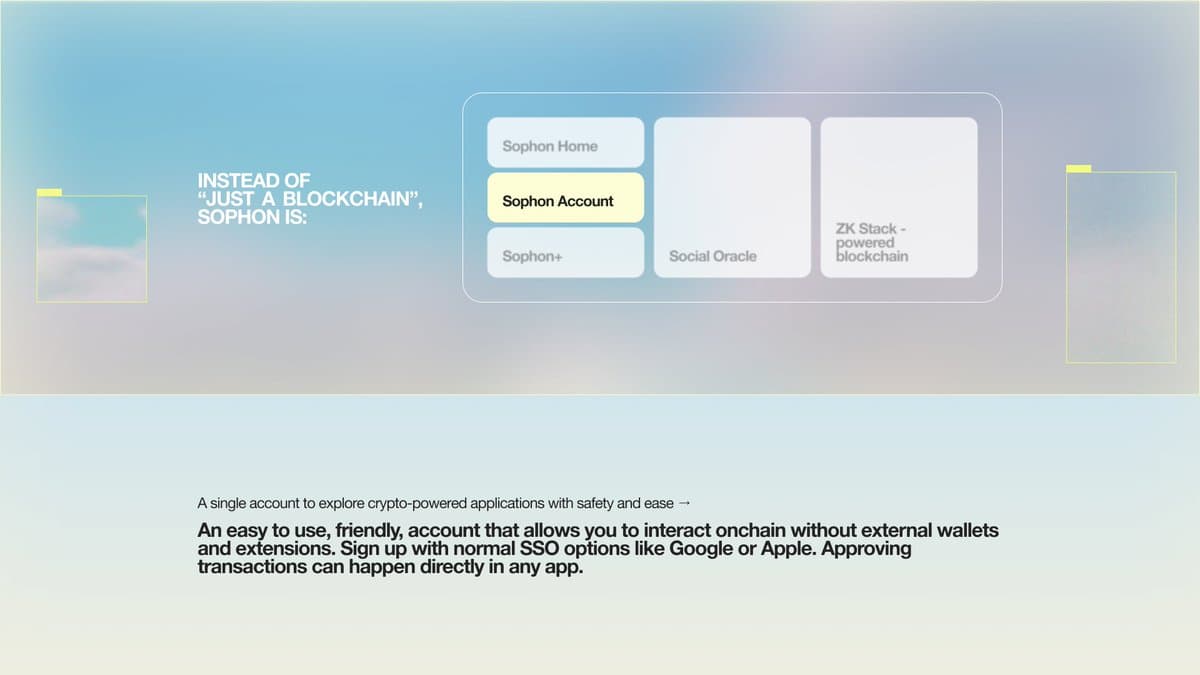
Sophon Account is a shared account and wallet for apps across the Sophon ecosystem. I worked on its interfaces and developer integrations, connecting familiar sign-in and approval flows with standard wallet APIs, smart accounts, and sponsored transactions.
I worked across the account interface and the SDKs behind it, connecting browser requests, authentication, smart-account signing, and transaction execution across web and mobile.
- my role
- Software engineer · Frontend & integrations
- focus
- Wallet provider, smart accounts, authentication & SDKs
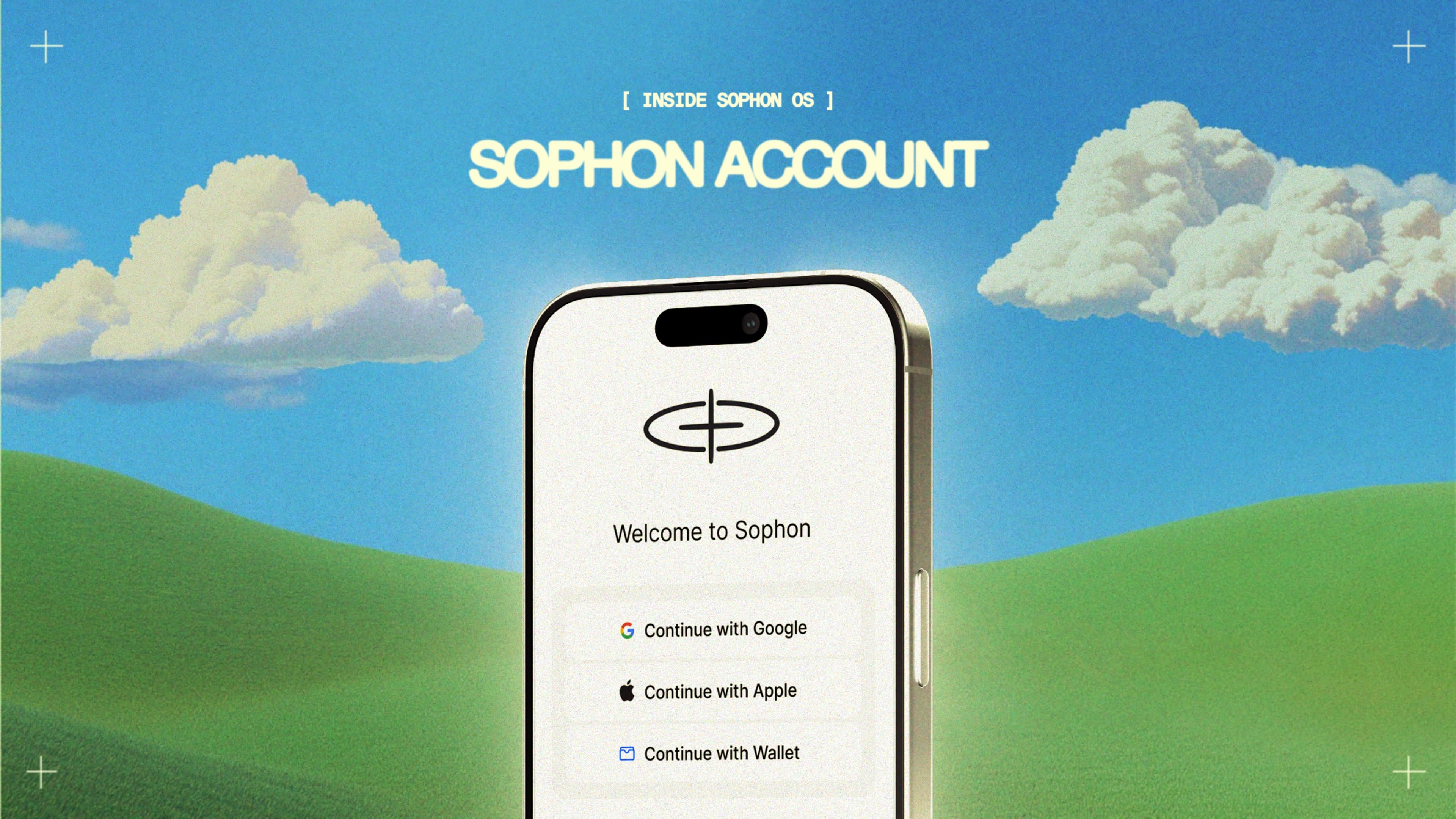
Sophon Account gave people a shared account for apps across the Sophon ecosystem. Users could sign in with a social account or connect an existing wallet, then review signatures, permissions, and transactions through a common interface.
For developers, it needed to behave like a wallet their application already understood. That meant exposing standard wallet methods while coordinating a separate approval window, different signing mechanisms, and smart-account infrastructure behind each request.
Wallet provider and browser communication. An EIP-1193 provider for account access, message signing, and transactions, with EIP-6963 discovery and request handling between connected applications and the account’s approval window.
Smart accounts and transaction execution. Account deployment, signer integration, and sponsored transactions. This included the v3 integration with Biconomy Nexus and its Modular Execution Environment (MEE), alongside the earlier ZKsync account implementation.
Authentication and approvals. Social sign-in through Dynamic, external wallet connections, data-consent flows, and interfaces for reviewing token transfers, spending approvals, and contract interactions.
Web and mobile SDKs. Shared provider and communication packages, React integrations, and a React Native WebView bridge, connecting application requests to the account experience across platforms.
The following example follows a wallet request from the calling application through approval and smart-account execution.
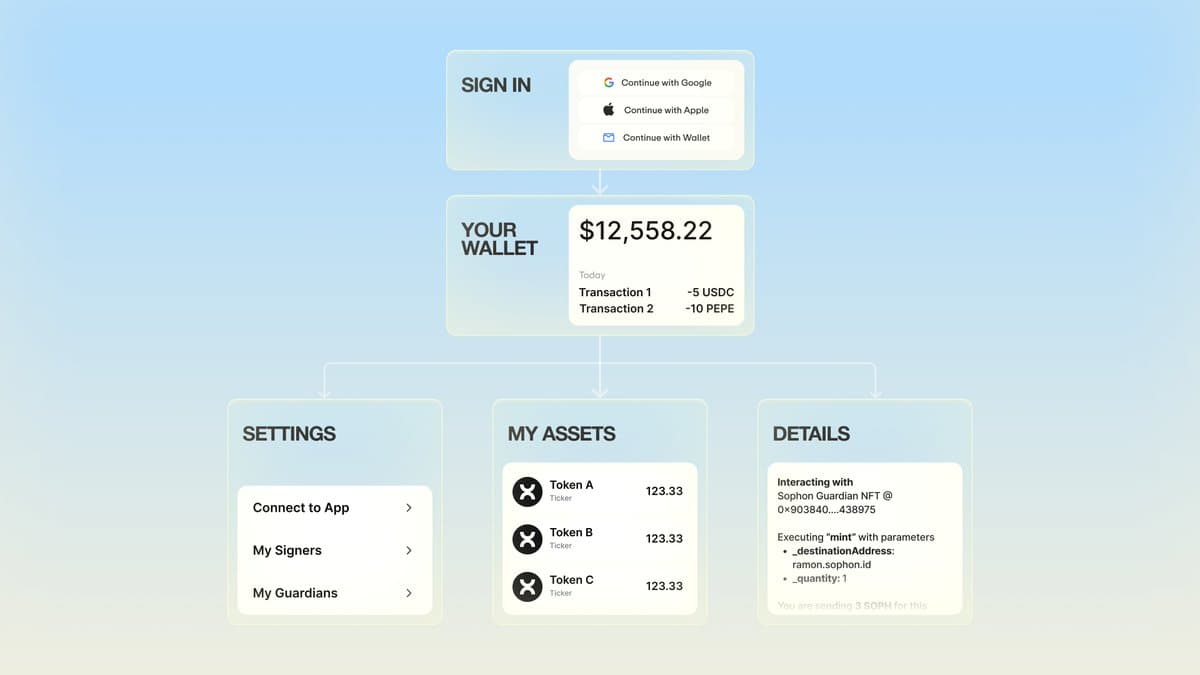
A connected app could ask Sophon Account to approve a transaction through a standard wallet request. Behind that simple action, the account needed to coordinate sign-in, user approval, signing, and execution—and return the result to the app.
I worked on the SDK that connected applications to Sophon Account through familiar wallet methods. It carried requests into the approval window and returned the response to the calling app. Users needed to understand what they were approving, while developers needed a consistent way to handle completion or cancellation.
The Biconomy integration connected this flow to smart accounts and sponsored transactions, allowing supported actions without users needing to fund gas fees themselves. The same wallet interface supported different account implementations, keeping those differences out of the application’s integration.
From request to transaction
Sophon Account / simplified flowConnect the app to Sophon Account
Open the approval window and pass along the request.
Sign and submit the transaction
Use the smart account, with gas fees sponsored for supported transactions.